
The AI Development Playbook: What Every Business Owner Needs to Know — Part 3 of 4
In Part 2 of this series, we showed you which AI tools to use for which projects. Now comes the question that follows every founder at 2am: should I just build this myself?
It’s a question that deserves a proper answer — not a hedge, not an agency sales pitch, and certainly not the sort of breathless ‘AI changes everything’ take you’ll find on most marketing blogs. The truth in 2026 is more nuanced: yes, solo builders can now produce genuinely useful software. And no, that doesn’t mean professional developers are obsolete.
This piece is our attempt to answer the question honestly. We’ll tell you what you can realistically build yourself, where DIY AI development will quietly sabotage you, and how to make the right call for your specific situation — even if that means walking away without hiring anyone.
What You Can Realistically Build With AI Yourself
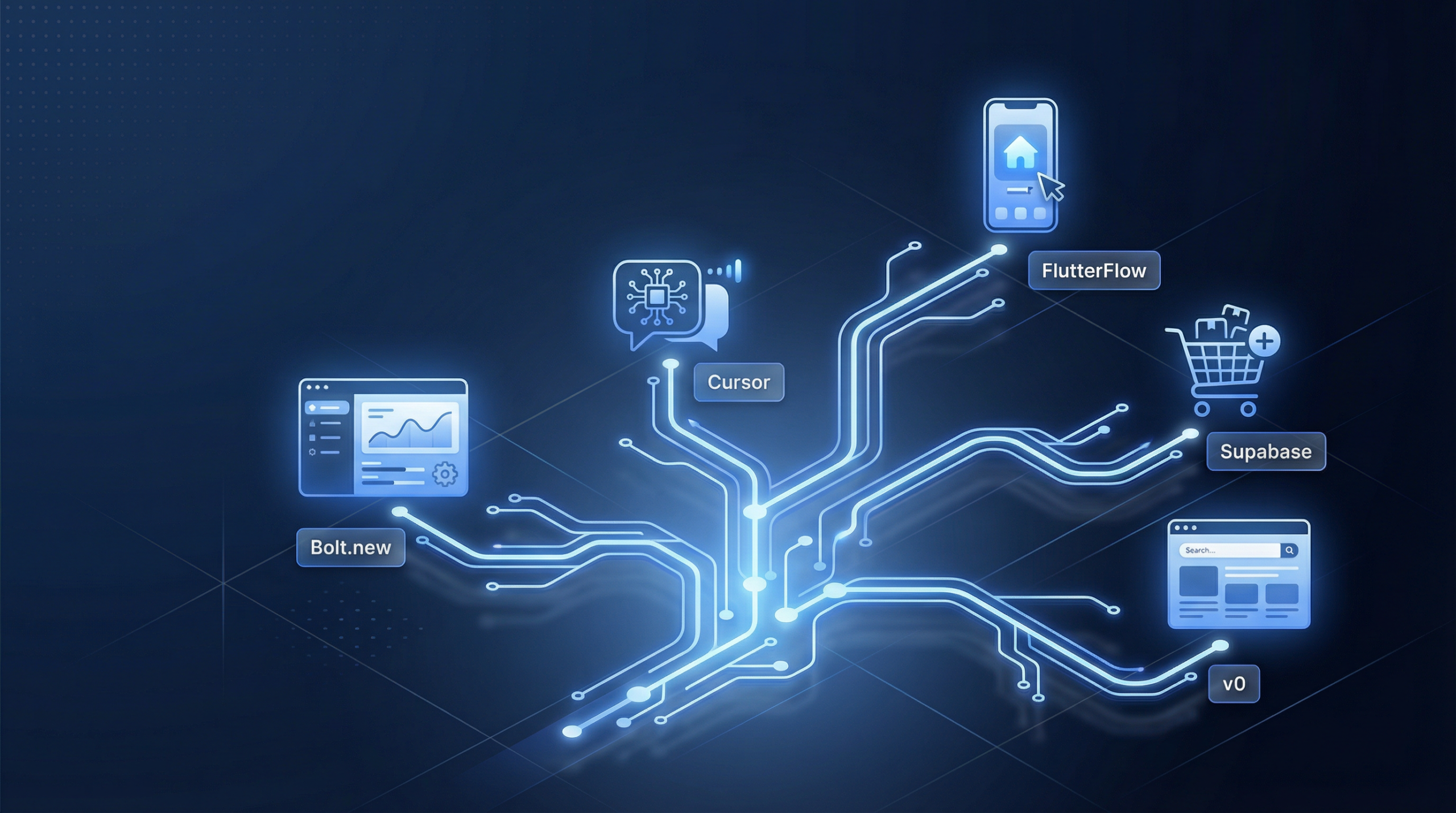
Let’s start with some good news. The ceiling for solo, non-technical builders has risen dramatically over the past two years. With tools like Cursor, Bolt, v0, Replit, and Webflow AI, the following are genuinely achievable without a development agency:
- Landing pages and brochure websites — Clean, conversion-optimised static sites are well within reach. Dozens of good templates exist, and AI can help customise them competently.
- Simple booking or lead-capture sites — If you’re collecting enquiries, scheduling consultations, or capturing emails, AI-assisted tools handle this reliably.
- Internal dashboards with limited users — A small team using an internal data dashboard with no sensitive financial data or complex permissions? DIY can work fine.
- MVPs and proof-of-concept prototypes — Arguably the strongest use case. An AI-assisted prototype can get you to user validation without committing a significant budget.
- Chatbots with predefined logic — FAQ bots, customer service scripts, and simple decision-tree assistants are solid DIY territory, especially with tools like Voiceflow or Botpress.
These are valid outcomes. Not everything needs an agency. If one of the above describes your project entirely, you have a legitimate case for building it yourself.
Where DIY AI Development Breaks Down
Here is where we need to be direct, because this is the section that saves founders from expensive mistakes.
Authentication and User Management
The moment your app has logins, you’re dealing with session management, token security, password hashing, and brute-force protection. AI-generated authentication code is frequently misconfigured — exposed refresh tokens, improperly validated JWTs, and weak CSRF protection are all common. Security vulnerabilities here aren’t theoretical; they’re what leads to user data breaches that destroy young businesses. A founder recently came to us after their AI-built member portal was scraped — 4,200 user records exposed because session tokens weren’t properly invalidated.
Payment Gateway Integration and Compliance
Integrating Razorpay, Stripe, or PayU sounds straightforward until you encounter webhook signature verification, idempotency keys, refund logic, and PCI-DSS requirements. AI tools can generate code that appears to work in testing but fails silently in production — often only discovered when a payment is processed twice, or a refund doesn’t trigger correctly.
Multi-Tenant SaaS Logic
If you’re building a product where multiple businesses each have their own users and data, data isolation is critical. A single poorly written query can expose one client’s records to another. This isn’t a code quality issue — it’s an architecture issue that AI-generated code rarely gets right without careful human oversight and testing.
API Integrations with Third-Party Systems
Connecting your app to CRMs, accounting software, logistics APIs, or government portals involves rate limiting, error handling, retry logic, data transformation, and ongoing maintenance as the third-party changes their schemas. AI can scaffold the initial integration, but production-grade reliability requires experienced engineering judgement.
Performance Optimisation Under Load
Your MVP might handle 20 concurrent users fine. At 500 simultaneous users, unoptimised database queries, missing indexes, and absent caching become visible failures. Load testing and performance architecture are disciplines — not things you can prompt your way out of.
SEO-Critical Technical Architecture
If organic search is part of your growth strategy, your site’s technical foundation matters enormously: server-side rendering, structured data, Core Web Vitals, canonical tags, and crawlability all require deliberate architectural decisions. AI-generated sites frequently score poorly on technical SEO audits — not because the AI made obvious errors, but because it optimised for ‘working’ rather than ‘performing in search’.
Mobile App Store Deployment
Submitting to the Apple App Store or Google Play involves compliance with Apple’s Human Interface Guidelines, Google’s Developer Policy, privacy manifest requirements, binary scanning, and a review process that will reject your app for technical reasons that aren’t always obvious. Getting past app store review reliably requires experience — AI can help write the code, but it can’t navigate the process.
The “Hidden Gap” — What Professional AI-Powered Development Actually Looks Like
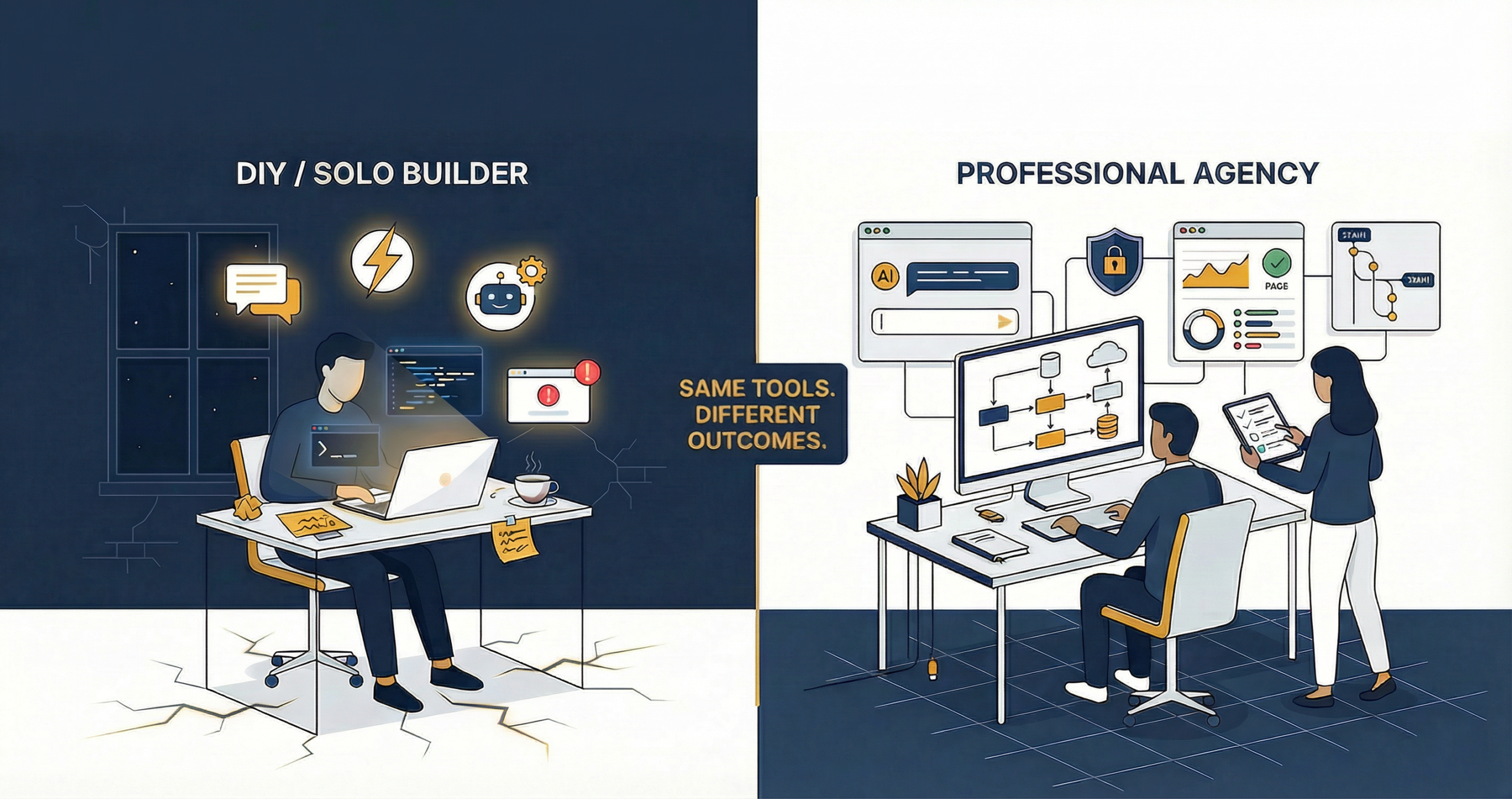
Here is the insight that most discussions about DIY vs professional development miss entirely: professional agencies in 2026 also use AI. The difference is not AI versus no AI. The difference is what AI is being used for, and by whom.
At a professional custom web application development company, AI accelerates work — it doesn’t replace expertise. An experienced developer using Cursor or GitHub Copilot writes production-grade code faster, not differently. The expertise still governs every decision.
The genuine advantages professionals bring aren’t code generation. They’re:
- System design and architecture — Decisions made before a line of code is written that determine whether your product scales, stays secure, and remains maintainable for years.
- Testing frameworks — Unit tests, integration tests, and end-to-end test suites that catch regressions and give you confidence in deployments.
- Security and compliance knowledge — GDPR for European users, India’s IT Act and upcoming DPDP Act requirements, OWASP Top 10 mitigations, and PCI-DSS for payment handling.
- Cross-functional teams — UX designers, developers, QA engineers, and DevOps working in concert. The output of a cross-functional team is qualitatively different from what a single founder with AI assistance can produce.
- Ongoing ownership — Professional agencies maintain what they build. They monitor uptime, handle security patches, and are accountable when something breaks. Solo AI builds rarely come with that.
Here’s a direct comparison:
| Factor | DIY AI Build | Professional AI-Powered Agency |
| Code Quality | Variable; often functional but fragile. Hard to maintain as requirements evolve. | Consistent, reviewed, follows best practices. Built to be maintained and extended. |
| Security | Major gaps common — mishandled auth, exposed API keys, no input sanitisation. | Security-first architecture; OWASP compliance, regular audits, proper secrets management. |
| Scalability | Usually breaks under load. Database queries unoptimised; no caching strategy. | Designed for growth. Load-tested, optimised queries, CDN and caching built in. |
| Timeline | Fast for v1. Slows dramatically when bugs compound or scope expands. | Predictable delivery with sprint planning, milestones, and buffer for integration complexity. |
| Post-launch Support | You’re on your own. Every bug is your Friday evening problem. | SLA-backed support, monitoring, proactive maintenance, and deployment management. |
| Total Cost (2 Years) | Often underestimated. Tool costs + time + rework + missed revenue from downtime. | Higher upfront, significantly lower total cost. Less rework, less downtime, faster iterations. |
The Real Cost Comparison (India Context)
This is where most agency content gets dishonest — either by making DIY sound impossible or making agency work sound cheaper than it is. Here’s our honest breakdown of what each path actually costs, in an Indian market context.
| Build Path | Estimated Cost | Key Considerations |
| DIY with AI Tools | ₹0–₹8,000/month (tools) + ₹1,00,000+ (your time at ₹500/hr × 200 hrs) | Does not include rework costs, missed revenue during outages, or the cost of rebuilding from scratch if you hit a wall. |
| Freelancer | ₹25,000–₹1,50,000 | Quality varies enormously. Risk of abandonment post-payment. Little accountability after handover. No long-term ownership. |
| Budget Agency | ₹75,000–₹3,00,000 | Quality varies wildly. Often outsourced internally. Post-launch support can be minimal. Good for simple brochure sites. |
| Professional Agency with AI-Powered Workflow (e.g. Bit Binders) | ₹1,50,000–₹8,00,000 (complex builds) | Accountability, scalability, cross-functional team, post-launch support included. Total cost of ownership is typically lower over 24 months. |
The key insight here is total cost of ownership — not upfront investment. A ₹50,000 freelance build that requires ₹1,50,000 in rework six months later is more expensive than a ₹2,00,000 professional build that works reliably from day one. Factor in the cost of your time, the cost of downtime, and the cost of delayed growth — and the maths changes considerably.
How Professional Companies Using AI Outperform Solo Builders
Speed + Quality
AI makes professional developers faster, not just the same speed at lower cost. When a senior engineer uses AI to scaffold boilerplate and then applies architectural expertise to review and refine it, the result is code that would have taken twice as long to write manually — and it’s still better than code written by someone learning as they go. You get the speed advantage of AI and the quality advantage of experience.
Battle-Tested Architecture
Professional developers have seen what happens when an app scales from 100 to 10,000 users. They’ve debugged the outages, handled the data migrations, and rebuilt the systems that weren’t designed for growth. That experience is baked into every architectural decision they make — it’s not something you can acquire through prompt engineering.
Risk Management and Accountability
When a professional agency builds your product, someone is accountable. Contracts, SLAs, and professional reputation are all on the line. When you build it yourself with AI assistance, you own every consequence — including the ones you didn’t know to anticipate. For a business-critical product, the risk premium alone makes professional development worth serious consideration.
So When Should You DIY?
Here is an honest decision framework. Answer these four questions:
- Is this a prototype or experiment with no real users yet? If yes, DIY is entirely reasonable. Validate the idea first; invest in proper development when you have evidence it’s working.
- Does this involve user data, payments, or logins? If yes, get a professional. The security implications are too significant to wing.
- Is this your core business product? If yes, get a professional. Your reputation, your users, and your revenue will depend on it working properly.
- Do you have a total budget under ₹50,000? Start DIY, but build with migration in mind — structure your code and choose your tools so that a professional team can take it over when budget allows.
Most founders fall somewhere in the middle of this framework. That’s where a consultation becomes genuinely valuable — not as a sales call, but as a structured way to figure out which path makes sense for your specific situation.
The Consultation Bridge
The smartest thing we see growing businesses do is start with a consultation before they commit to either path.
At Bit Binders, our consulting sessions aren’t sales pitches. They’re structured conversations where we help you figure out whether your idea needs an agency at all. Plenty of clients walk away with a clear DIY roadmap we’ve given them at no charge — because our goal is to be the partner you trust, not the vendor you regret.
If you’re on the fence between building it yourself and hiring a team, spend 30 minutes with us first. It’ll save you months.
Up Next — The Risks You Haven’t Thought About
We’ve been honest about what AI can and can’t do for solo builders. But in Part 4, we go further — into the hidden costs, security nightmares, and expensive infrastructure mistakes that are quietly bankrupting non-tech founders who built their apps without guidance. If you’ve already started building, it’s required reading.
The goal of this series has never been to make you dependent on agencies. It’s been to make you a more informed decision-maker — one who understands what AI genuinely changes and what it doesn’t. Building with AI is a real option in 2026. Building with professional AI-powered support is a better one for anything that matters to your business.
Choose based on stakes, not budget alone. The decisions you make in the next 90 days will determine whether your product launches cleanly or becomes another expensive rebuild six months from now.